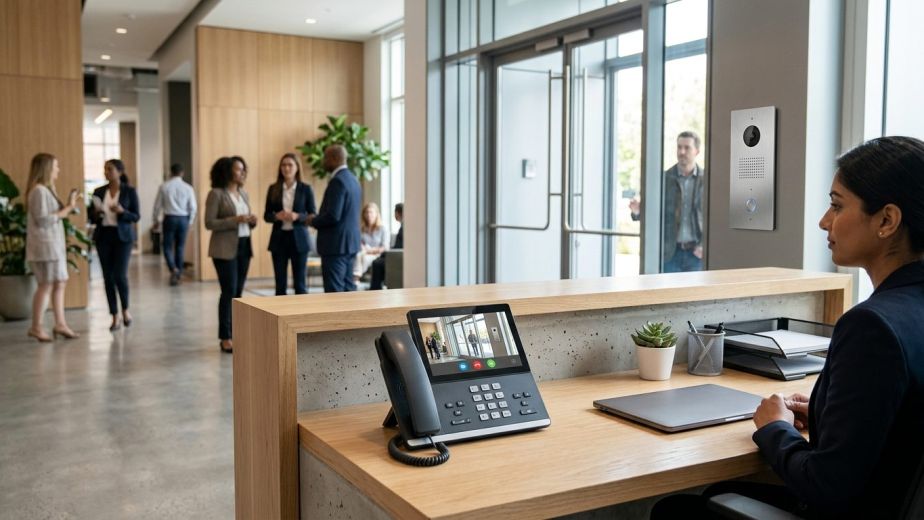
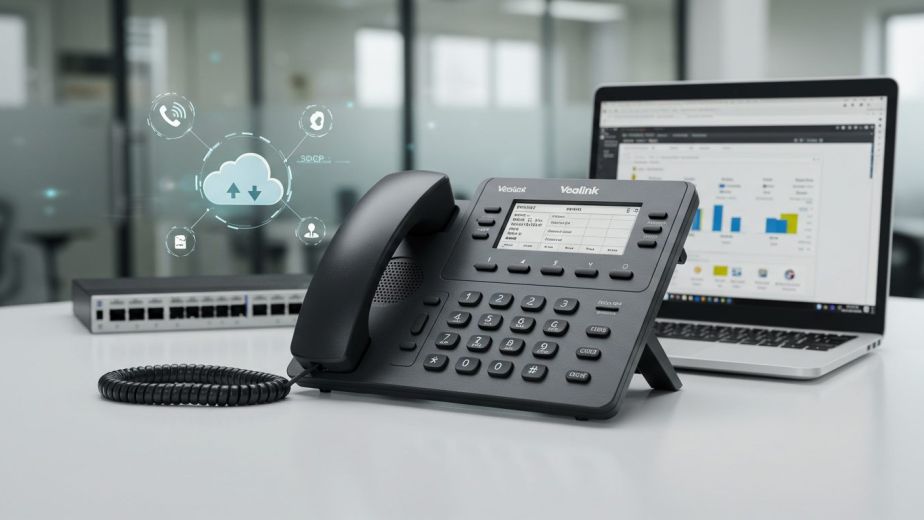
Selecting the best ip phones for office use kenya requires looking past superficial data sheets to assess real operational outcomes. High call volumes, noisy open-plan layouts, and hybrid network topologies demand dependable physical endpoints that deliver clear voice traffic every single day. In this enterprise buyer’s guide to the best ip phones for office use kenya, we examine hardware reliability, remote provisioning, and PBX integration across modern workplace roles.
Key takeaways
- Physical IP desk phones remain essential for voice continuity, dedicated hardware processing, and rapid call handling.
- Gigabit passthrough ports on worker handsets are mandatory to prevent desktop workstation speed bottlenecks.
- Native compatibility with platforms like 3CX and Yeastar reduces deployment labour through zero-touch provisioning.
- Sourcing through official local distribution protects operations with valid manufacturer warranties and spare parts.
Why Handset Selection Matters for Business Voice Quality
Modern enterprise communications rely heavily on the physical endpoints sitting on employees’ desks. While software clients on mobile phones or laptops provide flexibility, physical business desk phones kenya offer dedicated digital signal processors (DSPs) engineered specifically for real-time voice packets. They do not compete with operating system background tasks, memory-heavy browser tabs, or laptop battery savers.
Business-grade office voip phones support advanced wideband audio codecs such as G.722 and Opus, defined by the International Telecommunication Union (ITU). These codecs capture a broader frequency spectrum than legacy analogue circuits, providing natural speech reproduction and reducing listener fatigue during extended calls. Handsets engineered for enterprise settings also feature acoustic shield technology that uses dual microphones to filter out ambient background noise from neighbouring workstations.
Physical endpoints also simplify network stability. Enterprise handsets support Quality of Service (QoS) tagging (802.1p and DSCP) at the hardware level, ensuring that switches prioritise voice traffic over heavy file downloads. Reviewing baseline VoIP network requirements and QoS before choosing hardware prevents latency, jitter, and packet loss on your local area network.
Selecting the Best IP Phones for Office Use Kenya across Departments
Different job roles require distinct handset capabilities. Deploying an identical, basic handset across an entire enterprise creates operational bottlenecks for receptionists while underutilising budgets meant for general common areas. Matching specific hardware profiles to user responsibilities ensures high productivity and controlled expenditure.
Top Executive and Director IP Phones
Executive offices and boardroom spaces demand superior acoustic engineering, intuitive touch navigation, and flexible connectivity. Handsets such as the Yealink T54W, Yealink T57W, and Fanvil X7 series represent the leading tier of enterprise hardware. These units feature large colour touchscreens, built-in dual-band Wi-Fi, and integrated Bluetooth for seamless wireless headset pairing.
For directors who manage multiple lines, conference bridges, and calendar integrations, executive desk phones deliver dedicated line keys and adjustable display angles to reduce glare. Built-in acoustic echo cancellation and full-duplex speakerphones ensure that board-level conference calls remain completely intelligible without the hollow audio typical of low-end speakerphones.
Best Workhorse IP Handsets for Standard Knowledge Workers
When organisations evaluate the best ip phones for office use kenya for knowledge workers, durability and network efficiency are paramount. Devices like the Yealink T33G, Yealink T43U, Fanvil X3SG, and Fanvil X4U serve as reliable mid-tier workhorses across sales, accounts, and customer support departments.
A critical specification for standard desk phones is the inclusion of dual Gigabit Ethernet ports. Most office layouts run a single structured network drop to each workstation. The telephone connects to the wall outlet, and the user’s PC connects to the phone’s secondary passthrough port. Installing budget Fast Ethernet (10/100 Mbps) phones limits the attached desktop computer to 100 Mbps, choking business data transfer rates across the corporate local area network.
Equally important are programmable function keys. Standard workers benefit from dedicated buttons for blind and attended call transfers, line parking, call forwarding, and visual voicemail access, allowing them to handle incoming traffic swiftly without memorising complex feature access codes.
Comparison of Enterprise IP PBX Phone Hardware
The following table outlines standard enterprise tiers to guide departmental procurement and budget allocation:
| Tier / Department | Recommended Hardware | Display & Interface | Network Connectivity | Power Standard |
|---|---|---|---|---|
| Executive / Boardroom | Yealink T57W / Fanvil X7A | 7-inch Colour Touchscreen | Dual Gigabit, Wi-Fi, Bluetooth | PoE (802.3af Class 3) |
| Knowledge Worker | Yealink T43U / Fanvil X4U | 2.8 to 3.7-inch Backlit LCD | Dual Gigabit Passthrough | PoE (802.3af Class 2) |
| Reception / Attendant | Yealink T54W + EXP50 | Colour LCD + Dual-Screen Sidecar | Dual Gigabit, USB Port | PoE (Class 3) / Aux PSU |
| Common Area / Lobby | Yealink T31P / Fanvil X1SP | Compact Graphical LCD | Dual 10/100 Mbps | PoE (802.3af Class 1) |
High-Volume Receptionist and Operator Consoles
Front-desk operators and customer service dispatchers handle high volumes of concurrent calls. Giving an attendant an entry-level handset leads to dropped customer calls, slow transfer times, and poor caller experiences. Reception desks require dedicated attendant consoles paired with physical expansion modules, known as sidecars.
A configuration combining a Yealink T54W or Yealink T58W with an EXP50 expansion module provides up to 60 physical programmable buttons across multiple screen pages. Operators rely on these keys for Busy Lamp Field (BLF) monitoring, which illuminates green when a colleague is free and red when they are engaged on a call. This enables one-touch attended transfers and instant line pickup without placing clients on prolonged hold.
Operator stations also require Electronic Hook Switch (EHS) support or dedicated USB ports for wireless enterprise headsets. Hands-free mobility allows receptionists to manage front-office access, verify visitor logs, and manage parcel drop-offs while answering and routing incoming calls smoothly.
Common Area, Hospitality, and Warehouse Telephones
Corridors, waiting areas, staff lunchrooms, clinic consulting rooms, and manufacturing facilities have straightforward, rugged communication requirements. These locations do not require colour screens, multi-line appearances, or desktop computer network passthrough.
Models such as the Fanvil X1SP and Yealink T31P deliver basic SIP telephony in a durable chassis. They feature wall-mountable brackets, hearing-aid compatibility (HAC), and wipe-clean keypads that resist dust and moisture. Because these endpoints operate on minimal power budgets (often PoE Class 1 or Class 2), network switches can support dozens of common area phones simultaneously without overloading the switch power supply.
Platform Compatibility: Evaluating IP PBX Phone Hardware with 3CX and Yeastar
Deploying business desk phones kenya requires tight integration with your telephone exchange. Certified hardware from manufacturers like Yealink and Fanvil interfaces natively with market-leading platforms, including 3CX business communications and Yeastar business communications systems.
As highlighted in industry analysis by Telecom Reseller / Technology Reseller News regarding how modern providers build unified communications for multi-site operations, centralised platform management and standardised hardware templates are essential for scalable operations. Native interoperability allows your IT team to manage firmware updates, security certificates, and directory synchronization directly from the PBX web management console rather than visiting each physical desk.
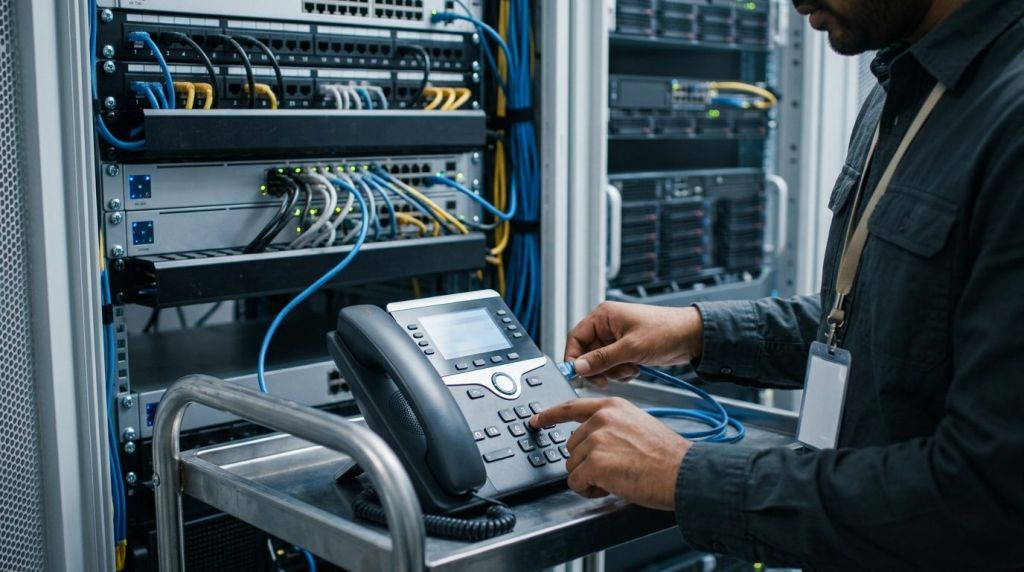
The primary advantage of deploying supported fanvil desk phones and yealink ip phone kenya models is zero-touch auto-provisioning. Using vendor Remote Provisioning Servers (RPS) and DHCP Option 66, an engineer simply enters the handset’s MAC address into the PBX. When unboxed and plugged into the office local network, the telephone securely retrieves its configuration profile, extension credentials, and company directory automatically.
This zero-touch architecture is indispensable for companies managing branch offices across Nairobi, Mombasa, Kisumu, or international hubs. Handsets can be dispatched directly to regional offices, where non-technical staff plug them into local network switches, bringing the extension live within minutes.
Kenyan Enterprise Procurement Checklist: Avoiding Grey Imports
When organisations source the best ip phones for office use kenya, procurement departments often face a significant hurdle: grey-market imports. Unauthorised importers bring in discounted surplus stock meant for other global regions. These units frequently come with hardcoded carrier firmware, incompatible regional power supplies, or voided manufacturer warranties that leave enterprises vulnerable when hardware fails.
Use this practical checklist before finalising any enterprise handset procurement:
- Calculate PoE Switch Wattage Budgets: Determine whether your existing managed access switches support the required IEEE 802.3af/at power budget. Sum the maximum wattage drawn by every planned handset alongside connected Wi-Fi access points and IP security cameras.
- Verify Local RMA and Warranty Coverage: Confirm that the supplier is an authorised partner backed by certified distribution in Kenya. Genuine channel distribution guarantees standard manufacturer replacement warranties and access to replacement handset parts like handsets, coiled cords, and cradles.
- Check Passthrough Port Speed: Audit every user workstation to ensure that standard knowledge-worker phones include Gigabit Ethernet ports rather than Fast Ethernet switches.
- Standardise on Supported Hardware Lines: Avoid purchasing an assortment of different brands and discontinued models. Standardising on one or two hardware families simplifies your spare parts inventory, streamline user training, and reduces PBX maintenance overheads.
- Confirm Zero-Touch Provisioning Readiness: Ensure your PBX platform and the target handset models support secure provisioning over HTTPS and RPS redirection for hassle-free branch deployment.
Upgrading Legacy Office Phones to Modern VoIP Systems in Kenya
Many Kenyan businesses still operate older analogue or digital hybrid key systems wired over deteriorating copper pairs. Upgrading legacy office phones to modern SIP-based IP handsets delivers immediate operational advantages, including direct inward dialling (DID) for individual staff, multi-site extension dialing, and seamless routing to mobile workforces.
When transitioning your office voice environment, consider three technical foundations:
- Structured Cabling Readiness: Modern IP desk handsets run over standard Cat5e or Cat6 Ethernet cabling. Where desks lack dedicated dual drops, choose handsets with integrated Gigabit passthrough switches so that your existing workstation ports support both the phone and your computer simultaneously.
- SIP Trunk Integration: Modern IP telephony routes calls over high-speed internet connections using SIP trunks from Kenyan tier-one carriers. This replaces costly multi-line PSTN or ISDN PRI circuits with scalable voice channels that adjust dynamically as your staff grows.
- Centralised Exchange Architecture: Replacing proprietary legacy PBX boxes with agile telephony solutions gives IT administrators full visibility into call routing, automated attendants, and call queues from a unified web interface.
Planning this transition methodically ensures voice continuity while eliminating the costly annual maintenance contracts associated with discontinued legacy telephone exchanges.
Wired Versus Wi-Fi Office Phones: Navigating Kenyan Office Cabling Constraints
Leasing commercial office space in Nairobi business districts such as Upper Hill, Westlands, or Kilimani often presents cabling constraints. Landlord restrictions, open-plan architectural layouts, or heritage office designs can make installing new structured Ethernet drops costly and disruptive. In these scenarios, choosing between wired PoE handsets and Wi-Fi-enabled office phones becomes a critical operational decision.
Wired handsets powered by Power over Ethernet (PoE) remain the gold standard for call centre agents, receptionists, and high-volume knowledge workers. Physical copper cables ensure zero RF interference, predictable latency under 20 milliseconds, and centralised power protection during municipal grid outages when connected to server room uninterruptible power supplies (UPS).
Conversely, modern Wi-Fi handsets—such as the Yealink T54W or portable wireless VoIP endpoints—provide exceptional deployment flexibility for executive suites, temporary project workstations, and retail counters. To run wireless desk phones successfully, your infrastructure must meet specific criteria:
- 5 GHz Frequency Bands: Restrict voice endpoints to 5 GHz Wi-Fi channels to avoid the severe congestion and packet loss common on the 2.4 GHz spectrum.
- Wireless QoS Tagging: Configure Wi-Fi Multimedia (WMM) and Quality of Service (QoS) tagging on access points to prioritise SIP signalling and RTP audio streams above background downloads.
- Enterprise AP Density: Ensure sufficient signal overlap across the workplace to prevent call drops as staff move between coverage zones.
Integrating these endpoints alongside robust enterprise networking guarantees reliable, interference-free audio across both wired and wireless devices.
Building a Resilient Enterprise Telephony Footprint
Physical IP endpoints remain the front line of professional communication, shaping customer perception and internal productivity with every call. Investing in the best ip phones for office use kenya ensures your teams maintain clear voice quality, stable network speeds, and responsive call controls.
At Call Experts, we design, deliver, and manage turnkey enterprise voice solutions that integrate robust hardware from Yealink and Fanvil with resilient 3CX and Yeastar PBX architectures. To evaluate your office network or request genuine hardware pricing tailored to your workforce, contact our enterprise communications team today.
Frequently asked questions
What is the difference between Yealink and Fanvil IP phones?
Both brands offer dependable enterprise SIP hardware. Yealink is widely recognized for superior acoustic shield noise cancellation, premium executive finishes, and native integration with platforms like 3CX. Fanvil stands out for robust build quality, built-in dual-screen BLF keys on mid-tier models, and cost-effective performance across hospitality and intercom use cases.
Do I need Power over Ethernet (PoE) switches for office IP phones?
While most desk phones accept optional AC power adapters, deploying PoE switches is the enterprise standard. PoE delivers power and data through a single network cable, eliminating desk power bricks and allowing central backup power via your server room UPS during power outages.
Why are Gigabit passthrough ports necessary on VoIP phones?
Most offices use a single network cable drop per desk. The phone connects to the network port, and the user's PC plugs into the phone's passthrough port. If the phone only supports 100 Mbps, your desktop computer is capped at that speed, throttling local file transfers and internet bandwidth.
How does auto-provisioning work with 3CX and Yeastar PBXs?
Auto-provisioning links the phone's MAC address to an extension template in the PBX. When connected to the local network, the phone contacts the vendor's Remote Provisioning Server, downloads its configuration files securely via HTTPS, and configures all extensions and keys automatically without manual intervention.
Can I use my existing analogue office phones with a modern IP PBX system?
Yes. You can connect legacy analogue office phones to modern VoIP platforms using an Analogue Telephone Adapter (ATA) or a multi-port FXS gateway. While this protects investments in basic common areas or lifts, upgrading to native IP handsets delivers superior wideband audio, transfer softkeys, and central PBX directory management.
Can enterprise office phones operate reliably over corporate Wi-Fi?
Yes, provided they support dual-band 5 GHz Wi-Fi and your corporate network enforces voice QoS tagging. Connecting IP desk phones over enterprise wireless eliminates the expense of running physical network drops, making it ideal for rented executive offices, meeting rooms, and locations with rigid cabling restrictions.
Sources
- How CallTower Builds One-Stop Cloud Communications For Global Teams — Telecom Reseller / Technology Reseller News, 2026-10-12